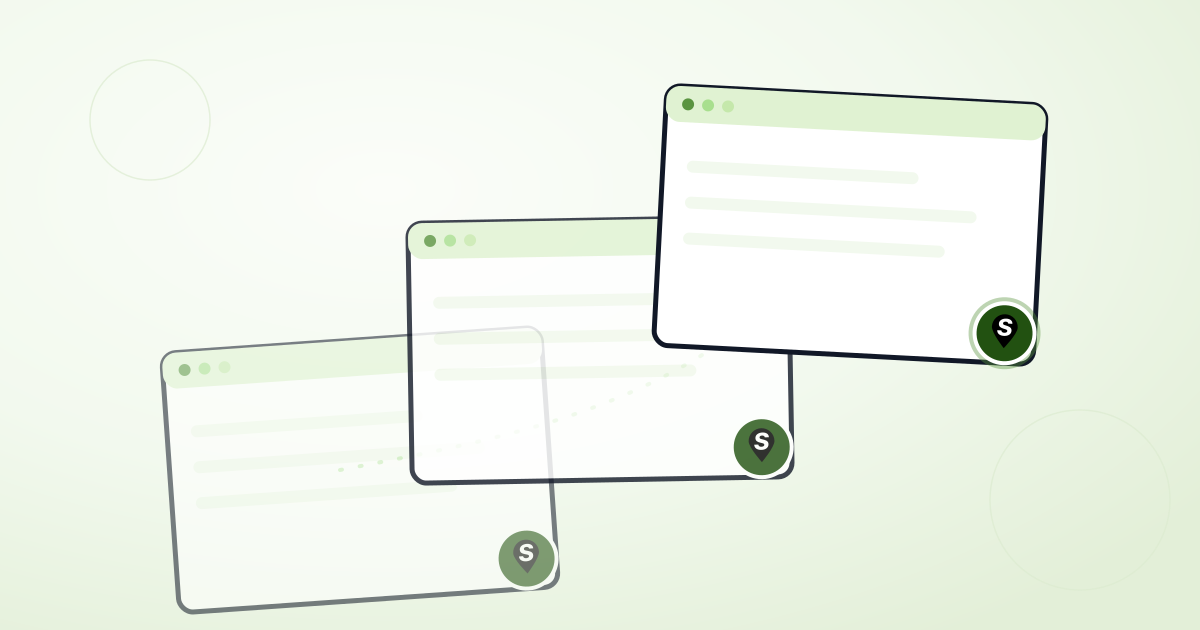
Add a floating locator button to every page
Most store locators live on exactly one page — a dedicated "Locations" or "Find a store" page a visitor has to already know to look for. If someone's three clicks deep on a product page and wants to know if it's in stock nearby, they either bail or go hunting for that page.
The floating locator button fixes that. Turn it on once, and a small find-locations button follows visitors on every page of your site, not just the one with your embedded widget. Click it, and the full locator opens in a modal — search, filter, directions, the works — without leaving the page they were on.
How it works
It's a separate embed from your main widget: one snippet placed in your site's global template (footer, theme layout, wherever runs on every page), so it works even on pages that don't have a locator embedded inline at all.
- On the dashboard: turn it on per-widget from that widget's settings, then copy the standalone "floating button only" snippet into your site's global template.
- On Shopify: enable the "Floating Button" app embed under Theme settings → App embeds — no separate snippet to manage.
- Position, icon, and color follow your widget's theme automatically.
Why a modal, not a new page
A full page navigation costs a visitor their place — their cart, their scroll position, whatever they were doing. A modal keeps all of that intact; closing it puts them right back where they were, locator or no locator.
See how Shopmaps is priced, or get started for free to try it on your own site.