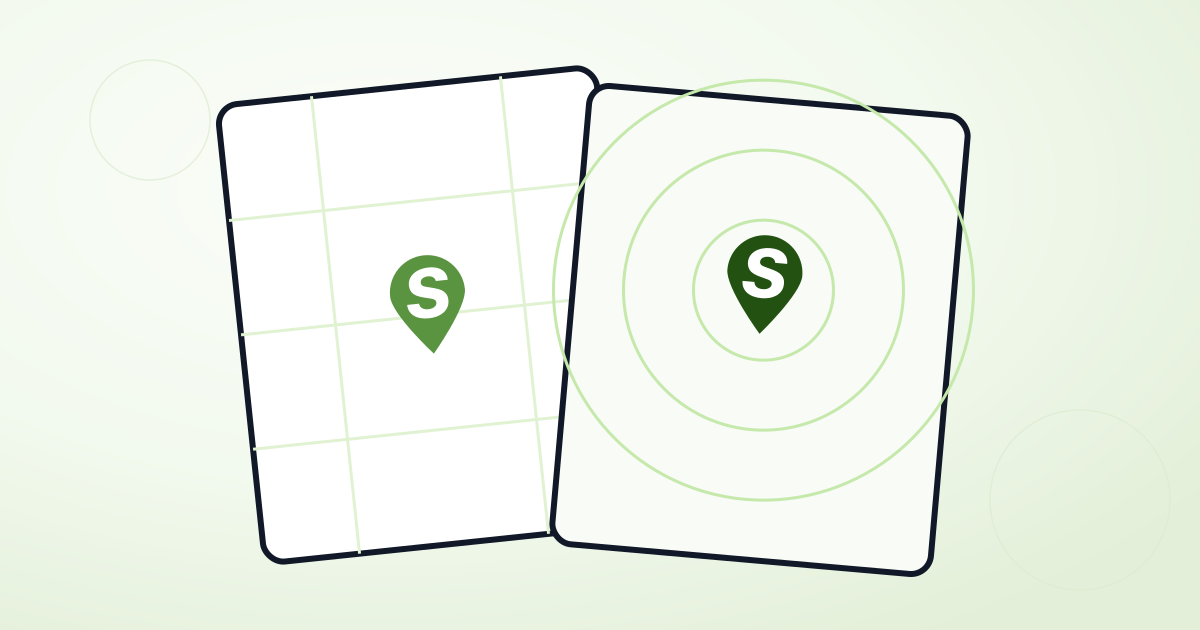
Google Maps vs. Mapbox: which should you use for your store locator?
Every Shopmaps widget can run on either Google Maps or Mapbox — you pick per widget, and switching later doesn't touch your locations or your theme. Here's how to decide.
Google Maps
Google Maps is the safer default if you're not sure yet. It renders without an API key at all during development (with a "for development purposes only" watermark), so you can build and preview a widget before you've set anything up. Most visitors already recognize its look, and its geocoding and address autocomplete are dependable virtually everywhere in the world.
Google Maps is the better choice if:
- You want the fastest path to a working widget with no setup.
- Your customers are used to Google's map style and controls.
- You don't need deep, pixel-level control over the map's colors.
Mapbox
Mapbox requires an API key from the start — there's no keyless fallback — but in exchange you get a fully custom map style. Shopmaps' theme editor can recolor land, water, and roads and toggle points of interest for Google Maps, but Mapbox goes further: you can apply an entirely different hosted style preset, giving your locator a genuinely distinct look rather than a recolored version of the default.
Mapbox is the better choice if:
- Brand consistency matters and you want the map itself, not just the markers and cards, to feel like part of your site.
- You're comfortable managing a Mapbox account and API key.
Switching later
Because map provider is just a per-widget setting, you're not locked in. If you start on Google Maps to launch quickly and later want a custom Mapbox style, changing it is a one-field update — your locations, theme, and analytics history all carry over unchanged.
Want to see both side by side? Get started for free and try each on your own locations.